Signs You Need a Screen Replacement
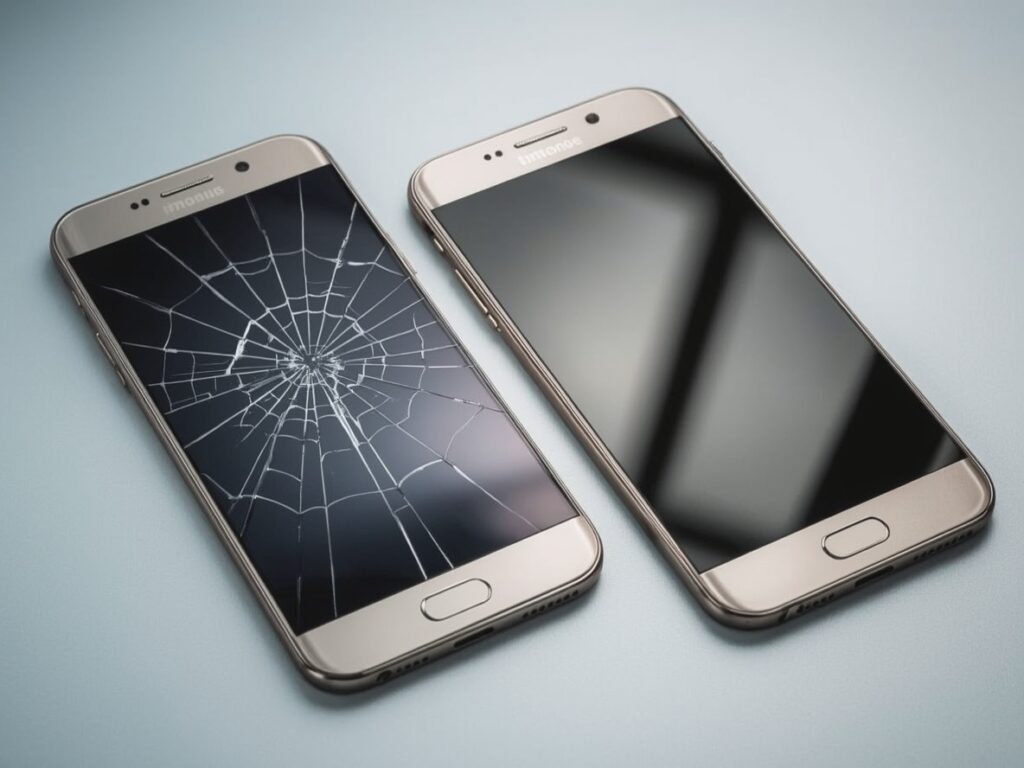
  • Cracks or broken glass

  • Display lines or discoloration

  • Black spots

  • Touch not working

  • Flickering screen

  • Dead or black screen

Types of Screens Available (OEM vs. High-Quality)
  • OEM/original screens: Best quality, perfect colors, long-lasting.

  • High-quality compatible screens: More affordable but slightly different brightness or color.

Difference Between Glass Only and Full Screen Replacement
  • Glass-only replacement: When only the outer glass is cracked, but display and touch are 100% okay.

  • Full screen replacement: When touch is unresponsive, display has lines/black spots, or the screen is totally off.

How Long Screen Replacement Takes
  • Most phones: 20–45 minutes

  • Laptops: 45 minutes–2 hours (depending on model)
    Fast and professional service improves customer confidence.

Free Diagnostics Before Replacement
  • Motherboard health

  • Battery status

  • Touch functions

  • Display connectors